How to add a bank account ?
To add a bank account, proceed as follows:
- Access the ACCEO Transphere homepage.
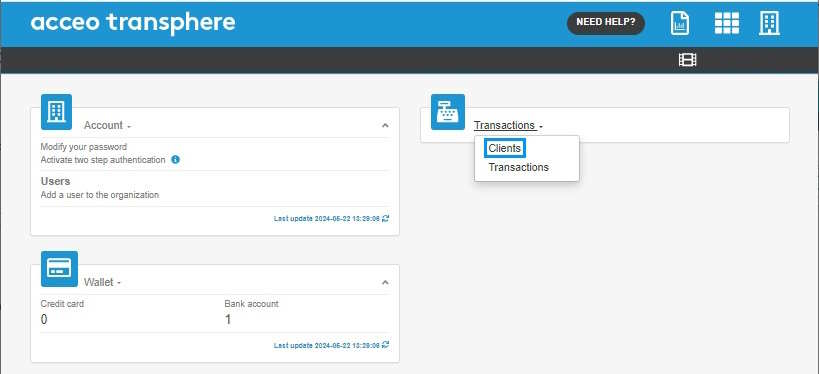
- Click Transactions and select Clients.
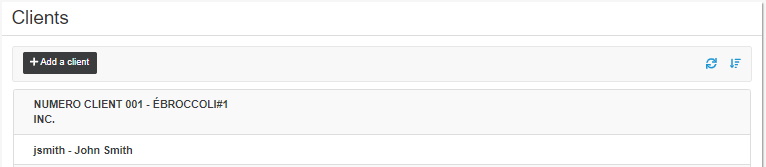
- In the Clients page, click the appropriate client to open their file.
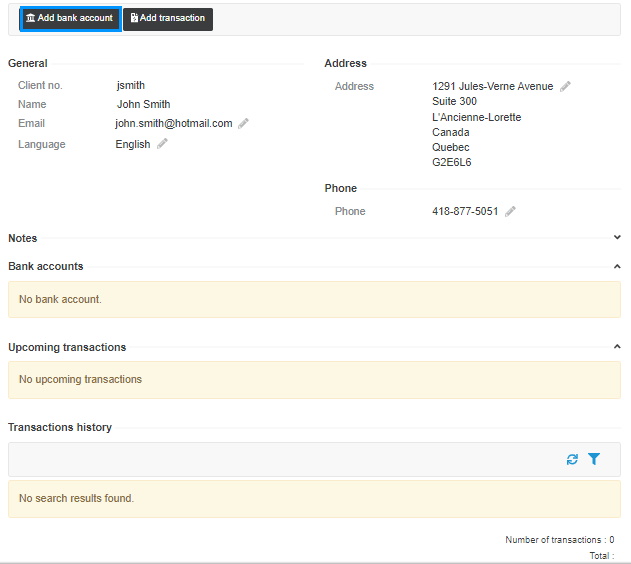
- Click the Add bank account button.
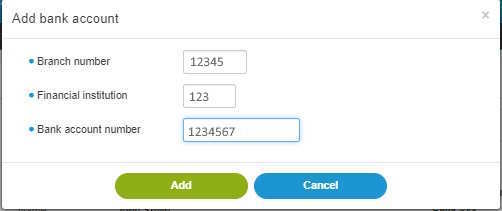
Note: The fields preceded by a blue  dot are mandatory.
- Enter the Branch number, Financial institution code (e.g. 815 for Desjardins) and the Bank account number.
- Click Add. A message indicates that the bank account has been successfully added.
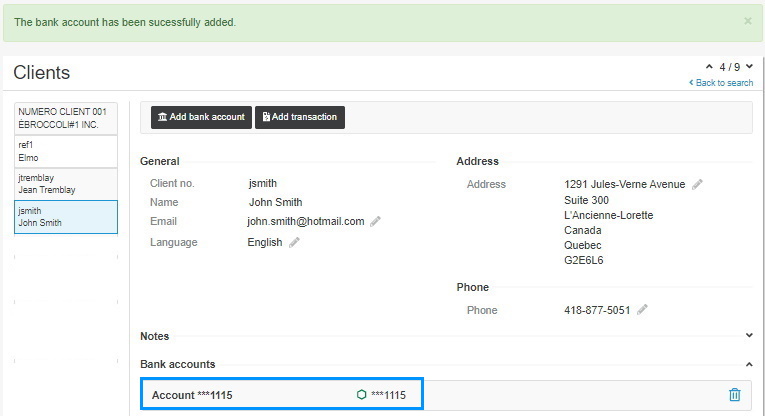
In the client file, the bank account is added under their contact information.