How to reset a user’s password ?
To reset a user’s password, proceed as follows:
- In the list of users, click the appropriate one to select their file.
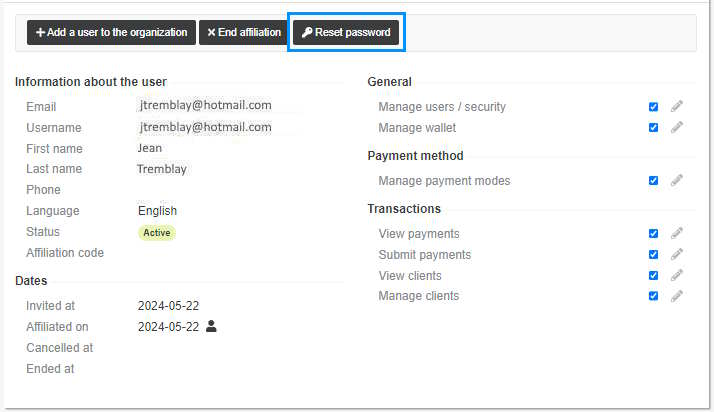
- Click the Reset password button.
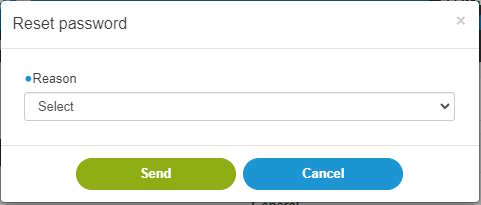
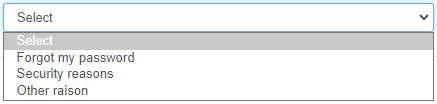
- In the Reason field, click the arrow to select the reason.
- Click Send. A link is sent by email to the user for the user to enter a new password. The link expires after 24 hours.
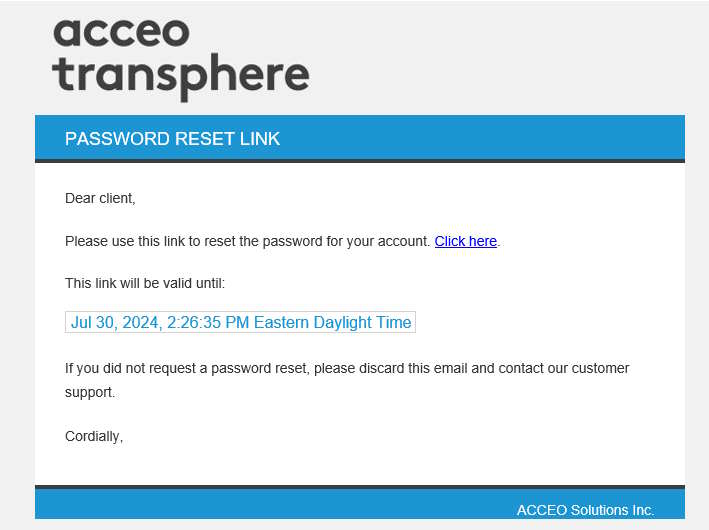
- Click the Click here link to reset the password.