How to consult or edit a user ?
- Access the ACCEO Transphere homepage.
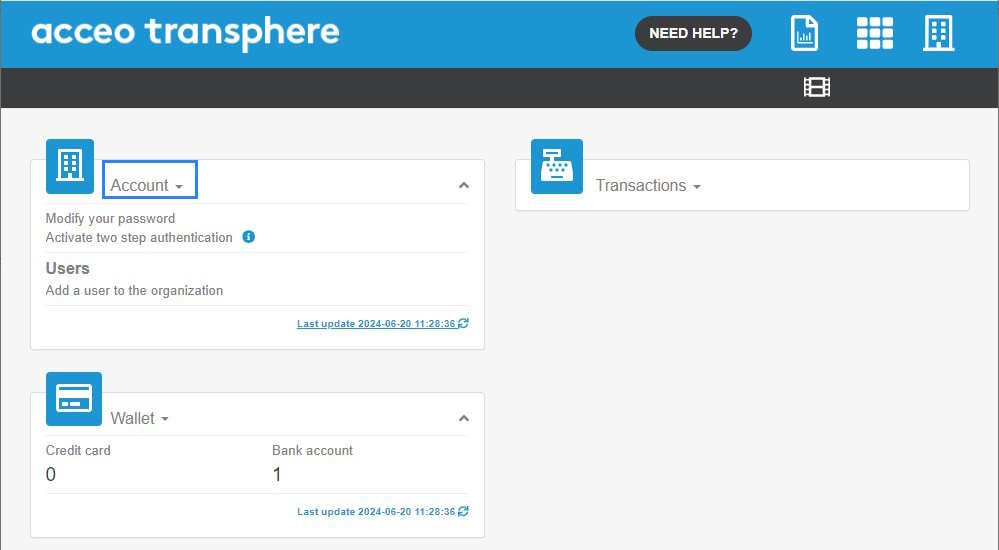
- Click Account and select Users.
-
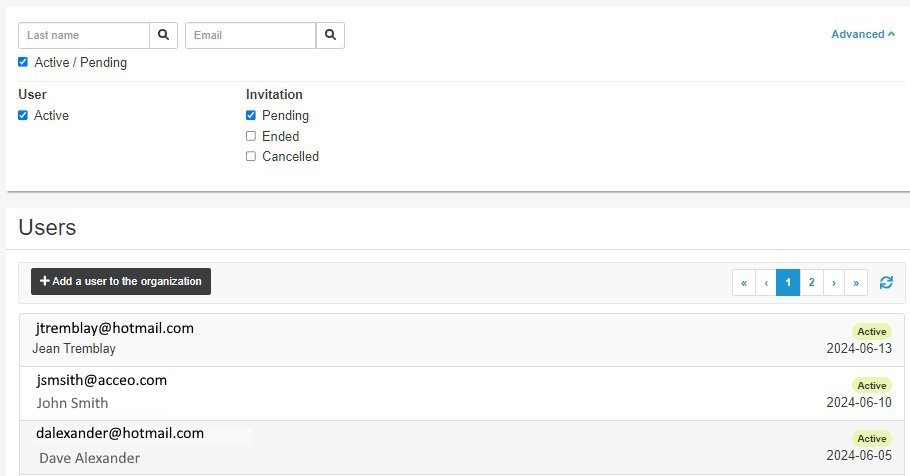
The list displays the users affiliated with the organization. In the upper part of the page, click the Advanced arrow to filter the list. For example, you can display active
users whose invitation is pending, ended or cancelled. - To consult a user file, click the appropriate line.
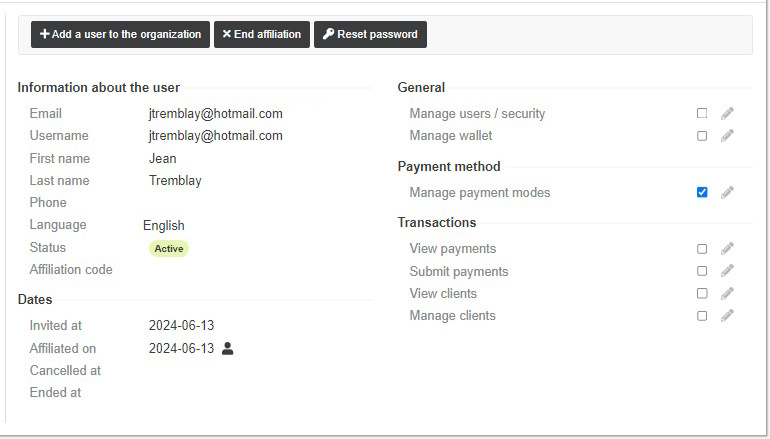
- The left section displays the user information (name, email, phone, etc.) and the invitation date, affiliation date, etc.
- The right section displays the access rights assigned to the user. Check or uncheck a box to give or remove user access to the option.