How to add a user ?
To add a user, proceed as follows:
- Access the ACCEO Transphere homepage.
- Click Account and select Users to display the list of users.
- Click the Add a user to the organization button.
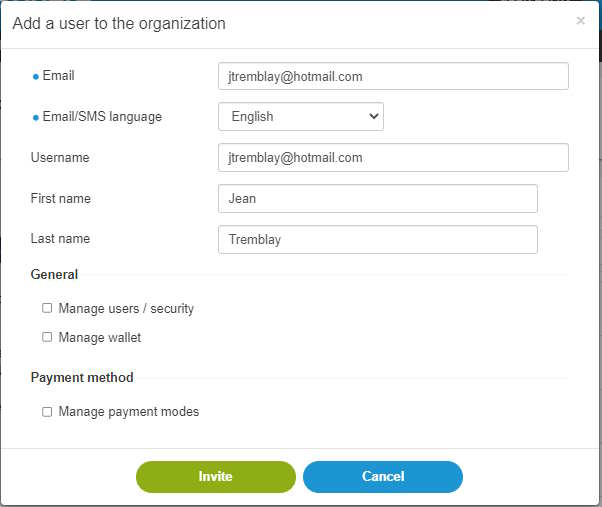
- Enter the user’s email address.
- Select the Email/SMS language.
- Enter the username (e.g. user’s email address). The username allows the user to login to ACCEO Transphere.
- Enter the first name and last name.
- In the General and Payment method sections, check the appropriate boxes to give the user access to these options.
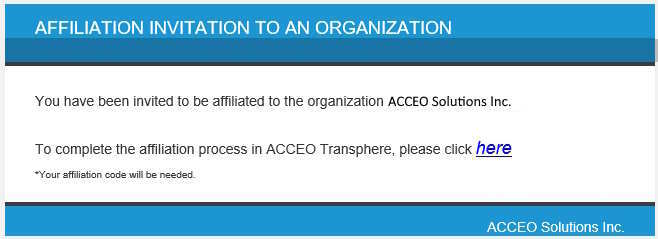
- Click Invite. The user receives an email inviting them to affiliate with the organization.
-
In the upper part of the ACCEO Transphere page, a message is displayed to indicate that an affiliation invitation has been sent to the user’s email address. An affiliation code is also
provided.

- Send the invitee the affiliation code so that they can complete their affiliation.
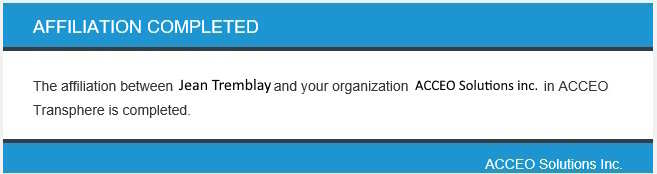
- Once the invitee is finished, a confirmation email is sent to confirm that they are now affiliated with the organization.