Employees
The Employees page displays all employees in the accounting software for whom payroll is sent to ACCEO Transphere to be deposited into their bank accounts.
- On the ACCEO Transphere main page, click Payroll and select Employees.
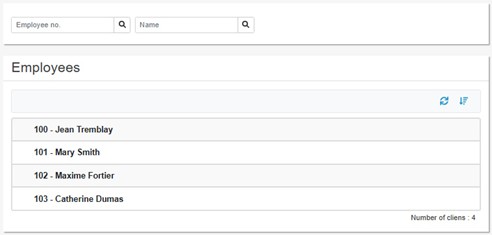
- In the upper part of the page, two fields can be used to search for an employee by their number or name.
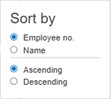
- The Sort
 button is used to sort the list by employee number or name and in ascending or descending order.
- Simply click on a name in the list to access the employee’s file.
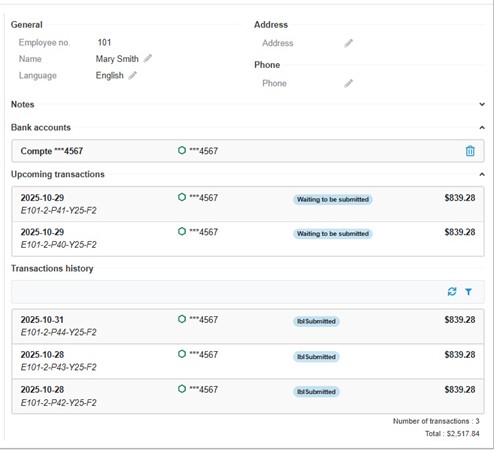
- The upper part of the page displays general information about the employee (name, address, telephone number). To change the address, telephone number, or other details, click the appropriate pencil button.
- The Notes section is used to write a note or comment about the employee.
- The Bank Accounts section displays the employee’s bank account(s). To delete a bank account, click the Delete
 button.
 - The Upcoming transactions section displays transactions (pay) that are waiting to be submitted.
- The Transaction history section displays transactions that have been submitted. The Filters
 button can be used to apply filters based on the status of the transactions.
 button can be used to apply filters based on the status of the transactions.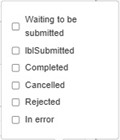
- Select the filter options to apply to the history.